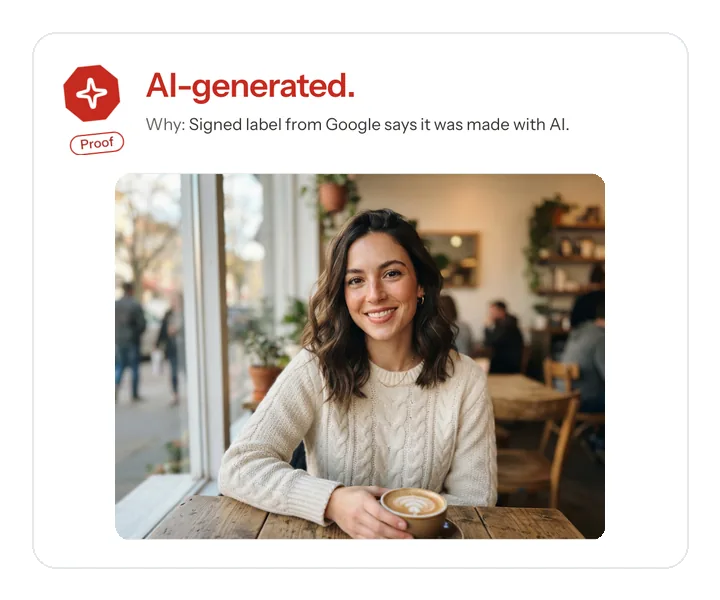
A dating or social profile
Check whether a profile picture shows signs of AI generation before you trust it. A result about the image cannot prove who a person is, so reverse image search and a live video call still matter.
Check a profile photoIs this image AI-generated, AI-edited or Photoshopped? Free online, no sign-up.
JPG, PNG, WebP, HEIC or AVIF up to 20 MB · We don’t store your image
An AI image detector checks whether a picture was generated or changed by AI. AIDetectorAll reads the proof inside the file first (content credentials, AI labels, generator settings), then asks independent detectors, and gives one of five results with the evidence behind it. One check a day is free, with no sign-up.
Most AI image detectors ask a single model and show a percentage. We start somewhere else: with what the file says about itself. Then we ask independent detectors, and we tell you how much weight the answer deserves. Read the full method in our checking methodology.
We look for content credentials (C2PA), the AI labels that generators in China must embed, IPTC fields, generator settings, camera data and editing history. When a trusted label is there, it settles the question.
If the file carries no proof, independent AI detection looks at the pixels. We only call an image AI-generated when the evidence agrees, and we say Inconclusive when it doesn’t.
Not just AI or human: AI-generated, AI-edited, Edited (no AI), No signs of AI, or Inconclusive.
Every check comes with a receipt that lists the evidence, the date and the method version. A full report adds deeper AI detection, plain-language explanations and a PDF.
The answer separates generation from editing and leaves room for uncertainty. A missing label never counts as proof of anything. Most uploads, screenshots and social media copies lose them.
The whole image was generated.
A real photo with parts changed by AI.
Retouched or composited in editing software, no AI.
Nothing we can find points to AI or editing. Not proof it is real.
Can't tell from this file. Not charged.
Real files run through the checker, each with the one piece of evidence its result rests on.
Signed label from Google says it was made with AI.
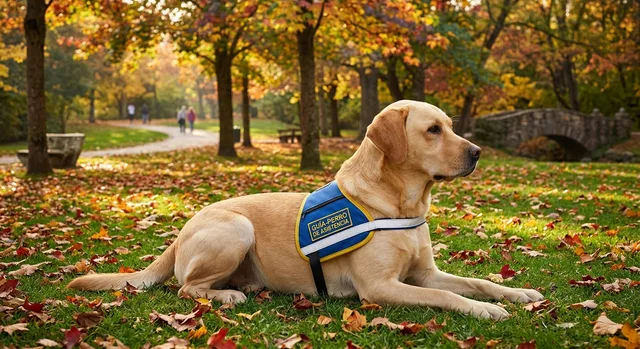
The file says it was edited with AI.
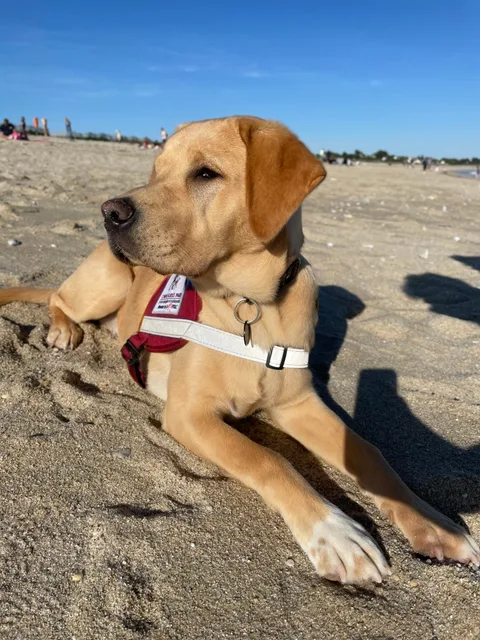
Saved by GIMP 3.2.8.
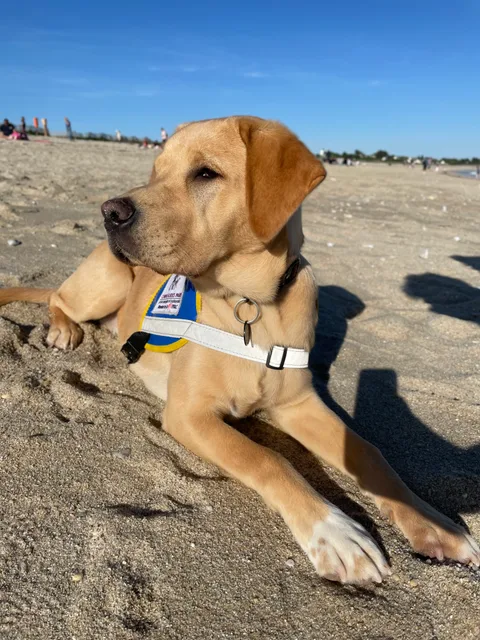
The detector sees no signs of AI.
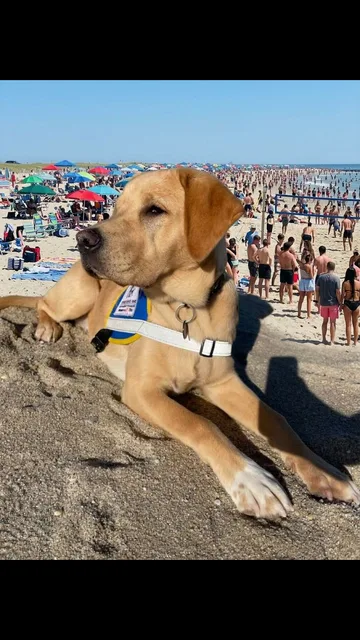
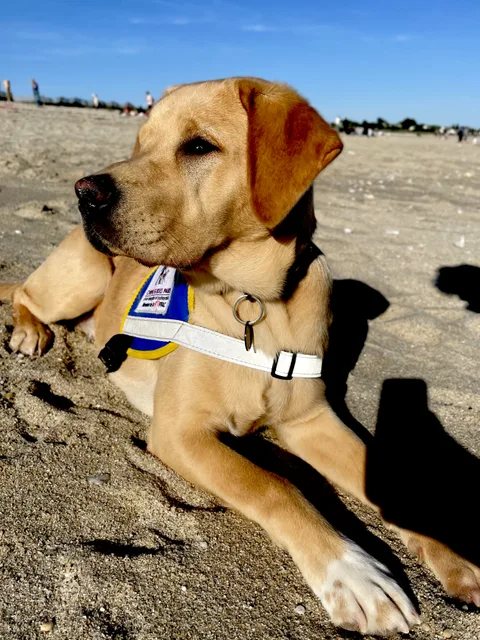
The detectors disagree.
An AI photo detector is only as good as the file you give it. The original keeps the most evidence. A screenshot keeps almost none, and a copy downloaded from social media has usually lost its labels, its camera data and part of its detail. Here is what usually survives each kind of copy.
| Evidence | Original | Screenshot | Social copy |
|---|---|---|---|
| Content credentials (C2PA) | Often preserved | Usually removed | Usually removed |
| Camera and EXIF data | Usually preserved | Replaced or removed | Often removed |
| AI labels and generator settings | Preserved when present | Usually removed | Usually removed |
| Pixels for detector readings | Full available detail | Recompressed detail | Resized and recompressed |
These are common outcomes, not guarantees: platforms and export settings differ. Whenever you can, upload the original. In a messaging app, send the photo as a document or file instead of a picture, so it is not recompressed.
Checking a phone or camera photo? AI photo detector
Midjourney, GPT Image from ChatGPT, Gemini (Nano Banana), Flux, Stable Diffusion, Seedream and Doubao all leave different traces. We read the labels and credentials these tools write, and independent detectors cover the rest. No detector catches everything, and new models appear every month, so each result says what it rests on.
Check whether a profile picture shows signs of AI generation before you trust it. A result about the image cannot prove who a person is, so reverse image search and a live video call still matter.
Check a profile photo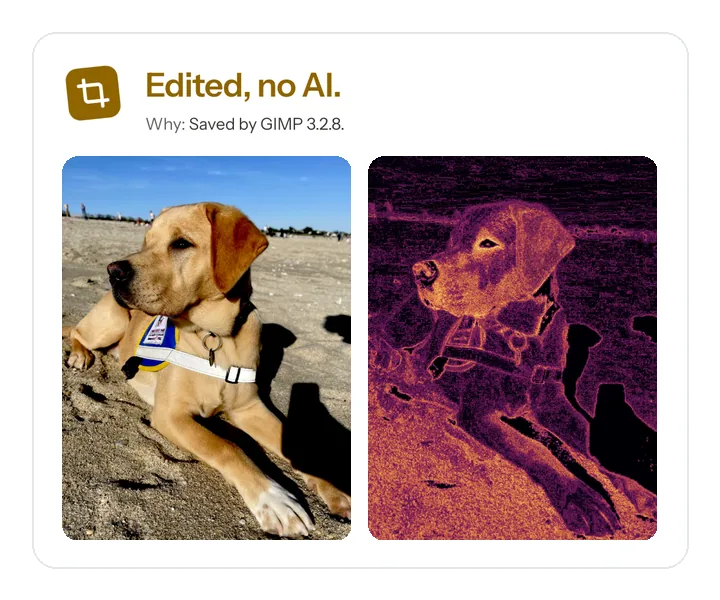
Look for editing software, saved history and AI edit labels in the file. Ordinary cropping and color correction are edits too; a trace does not by itself mean the content is deceptive.
Check for editing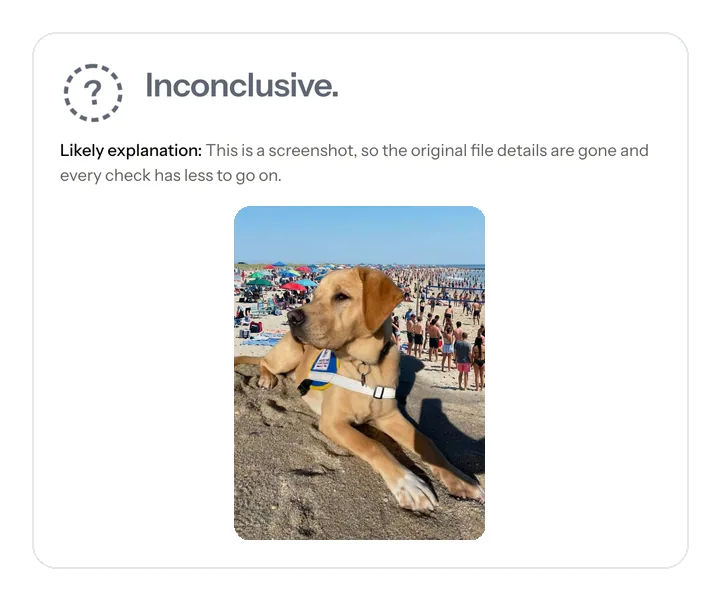
Separate AI generation, AI edits and traditional edits instead of forcing every image into a real-or-fake answer. When the evidence is split or too thin, the honest result is Inconclusive.
Check a viral imageIt also works as an AI art detector for digital art, illustrations and anime-style images. Stylized images leave detectors less to work with, so expect Inconclusive more often.
A fake photo check that tells AI generation from hand editing.
Find what a generator left inside the file.
Read camera details, editing history and credentials in plain language.
See the camera, date, location and AI fields, read in your browser.
No AI image detector is always right, including this one. Accuracy depends on the generator, the kind of image and what happened to the file after it was made. We don’t print a single headline percentage. Every result lists its evidence, and our methodology explains where each check fails. When benchmark numbers are published, they will include the false-positive rate on real photos.
A detector examines a file, not a person’s identity or intent. Even strong AI evidence does not establish who generated the image, who uploaded it, or whether they meant to mislead anyone.
No signs of AI or editing means this check found no supporting traces. It is not proof that an image is untouched. Missing metadata is also common after ordinary sharing and does not make an image fake.
The check does not perform reverse image search or fact-checking. A newly generated face may have no matches elsewhere, while a real photo can still be stolen, miscaptioned or shown out of context.
Yes. You can check one image online a day without an account. A full report is sold as one-time credits, from $2.99, with no subscription.
Upload it. We report whether the file shows proof of AI generation, AI edits or traditional editing, and say so plainly when we can’t tell.
Yes, when the file still carries the traces or labels the editing tool writes. If those were stripped, the detectors may still notice, but small edits are hard to see.
Yes. JPG, PNG, WebP and HEIC files up to 20 MB are supported. Upload the original file instead of a screenshot for the best result.
Save the image or take a screenshot and upload it. Social media copies lose most labels and camera data, so the result counts for less than the original file would.
No detector is always right. We show the evidence behind each result and never present a guess as proof. Read how the method works and where it fails.
No. We don’t store the image after the check and never use it to train models. To run the check, the image is sent to the independent detection providers listed in our Privacy Policy, which process it under their own data terms.
Often, yes. Images from ChatGPT carry signed content credentials (C2PA), and we read them and show who signed. If the credentials were stripped, for example by a screenshot, only the independent detectors are left, and the result says so.
Google marks images made with its own AI tools with an invisible SynthID watermark that only Google’s tools can read, so we cannot check it for you. We read the labels and credentials stored in the file and ask independent detectors, and we point you to Google’s own verification for SynthID.
Labels and credentials are lost when an image is screenshotted or re-saved, and heavy editing can fool pixel-based detectors. That is why each result shows how strong its evidence is. We do not offer tools to evade detection.
It detects still images that were generated or edited with AI, including AI-made faces. It cannot prove who is in a photo.
Upload it above. We read the file’s own evidence first (content credentials, AI labels, generator settings, camera data), then ask independent detectors if the file carries no proof. You get one of five results with the evidence behind it.
Yes, but with less certainty. When a screenshot or social media copy has lost its labels, the independent detectors look at the pixels alone, and the result says how much weight that deserves.
Yes. Digital art, illustrations and anime-style images can be checked the same way. Stylized images give detectors less to work with, so an Inconclusive result is common for them.
It can tell whether a picture of one was generated or edited with AI, but it cannot verify that a document is genuine. Check the issuer for that.
Work through seven practical checks, from file details and edit history to inconsistent shadows, bent lines, repeated textures and earlier copies online. Learn why several signs together are more useful than one suspicious detail.
Understand the difference between reverse image search and AI detection. TinEye can find older or uncropped copies, while an AI check examines origin evidence; using both answers more questions than either alone.